Rules Flow - Segments and Filters (Step 4)
Last updated: April 17, 2026
Guidance on how to configure Step 4 in your CRM Rules flow.
Segments
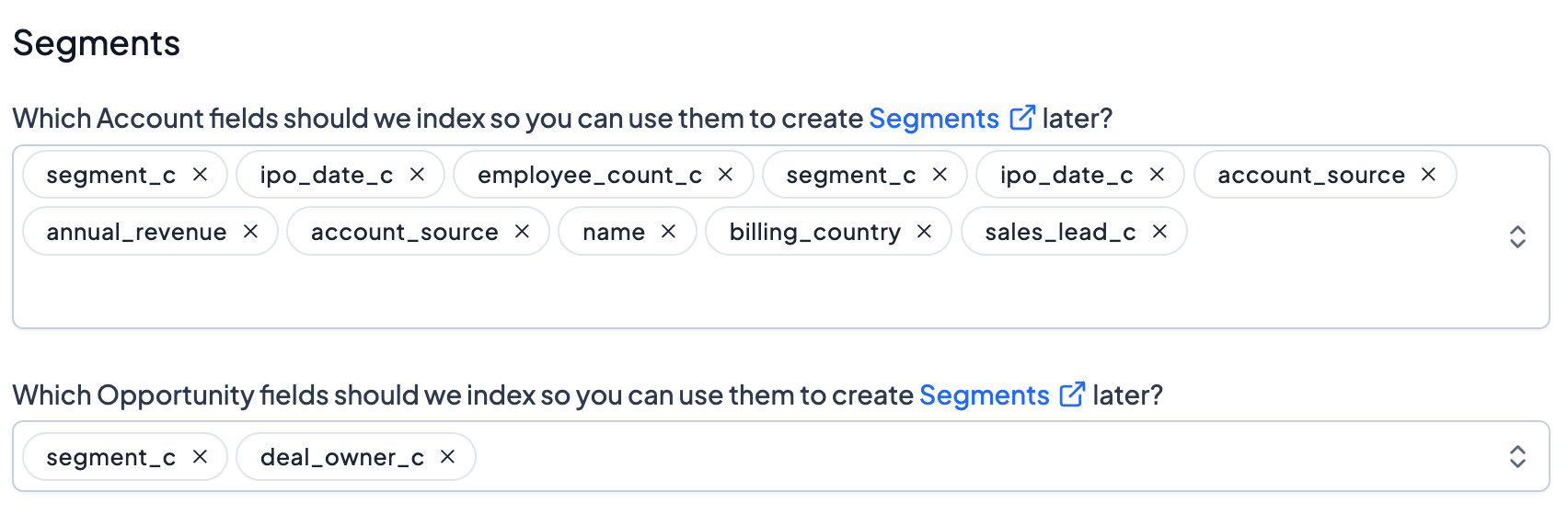
If there are you fields you'd like to create Segments or Filters on (see more about Segments here), configure those here. Grid allows you index additional fields at the Account/Company or Opportunity/Deal level.
Ignoring Data
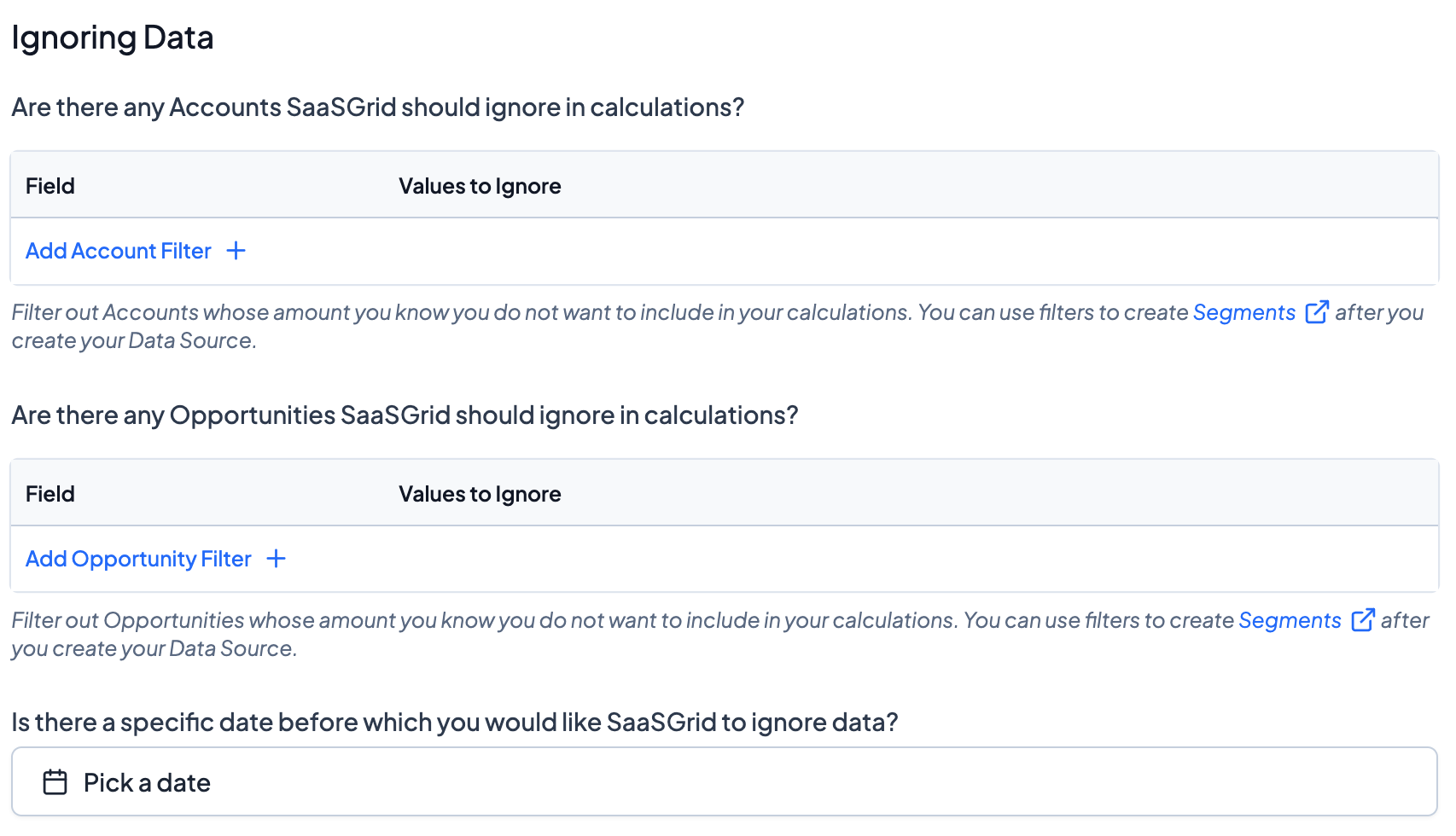
If there are any Accounts/Companies or Opportunities/Deals you'd like Grid to not ingest at all (eg. test data), you can configure that in this section. Also, you can also select a date before which you would like Grid to ignore data from.
Self-Serve
If there are Opportunities that you'd like Grid to treat independently (not associated with Renewals or Contract Amendments), you can configure that here.