Digests
Last updated: April 16, 2026
Grid Digests lets you share metrics and insights in a configured email or Slack message. Digests automate data sharing and share insights with the whole team.
Navigate to the Digests section in the Workflows category in Grid.
Create a Digest by clicking on + Digest in the top right corner.

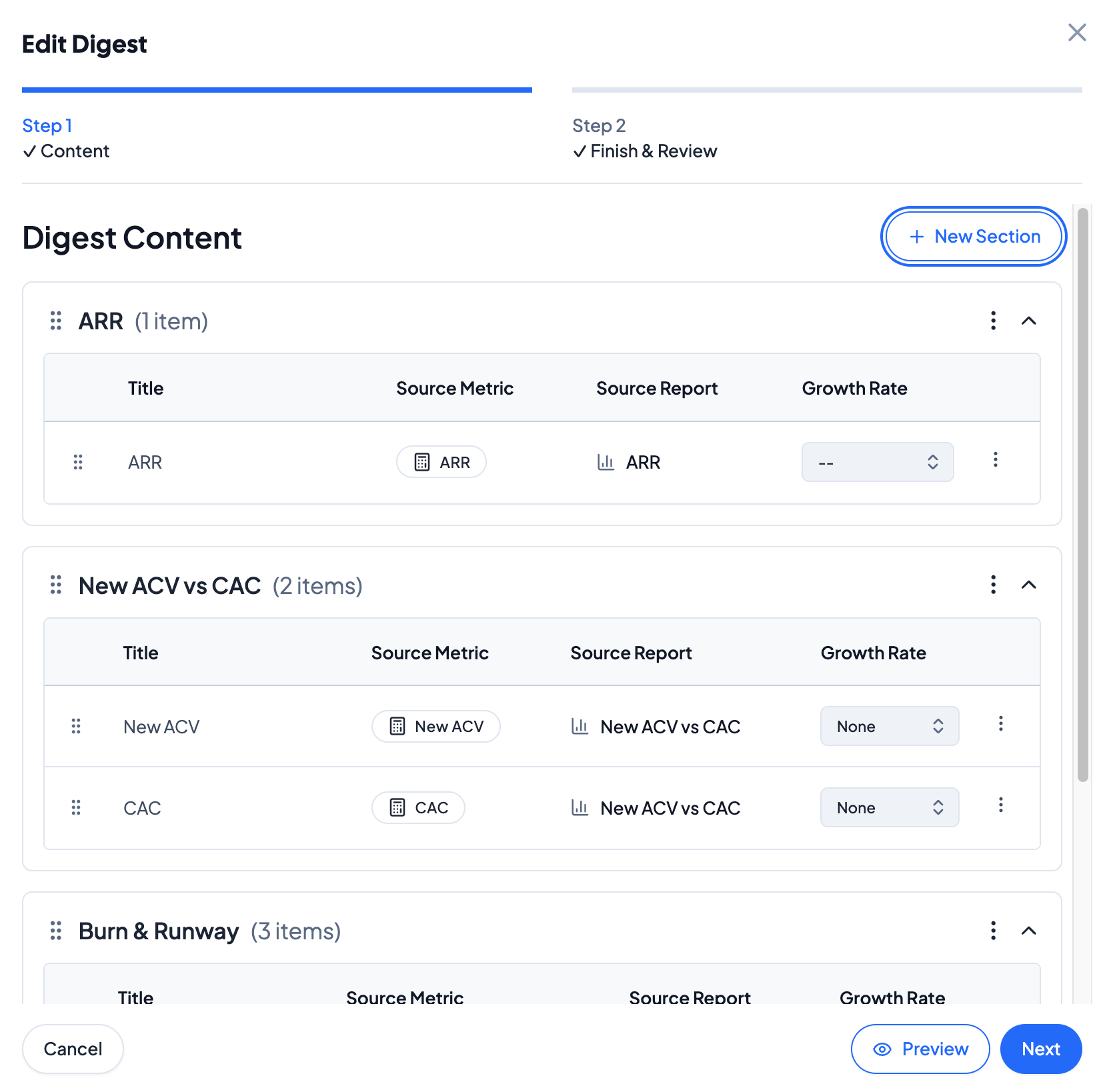
Add digest content by selecting + New Section and specifying the metrics to add into the Digest. Segments and filters applied to metrics will appear on the Digest. Drag and drop the metrics blocks to change the order of the metrics. To add in a growth rate for the metric, select the appropriate growth rate for the metric. Click on Next when complete.
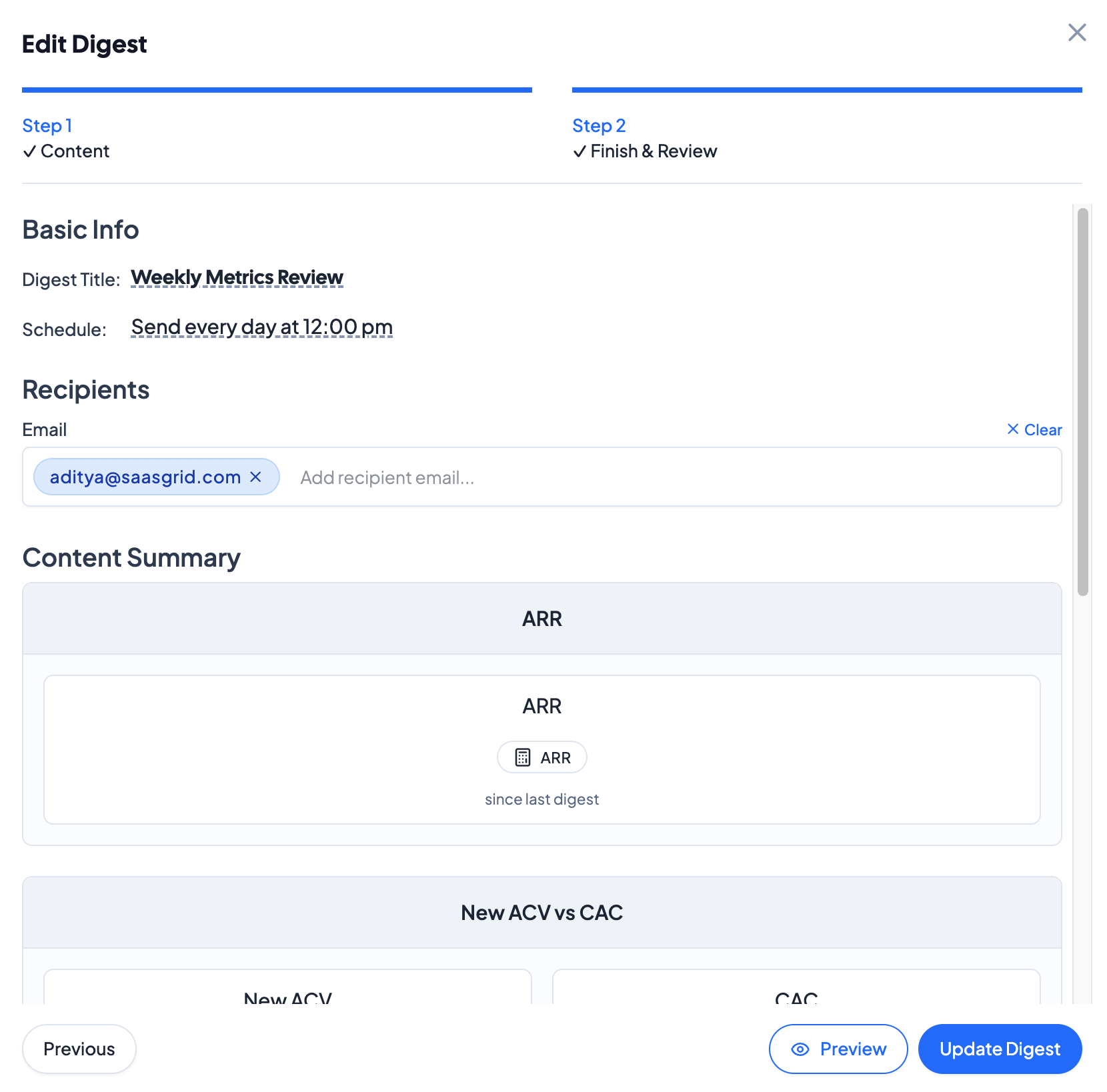
Configure the schedule of the Digest and modify the title, schedule, and recipients. To see a test Digest, click on Preview at the bottom right and send a sample email.