Formula Breakdowns
Last updated: April 16, 2026
Grid uses Formula Breakdowns to show metrics components and intermediate formula values. To see a formula breakdown for a metric, navigate to the chart and select the metric you want to see.
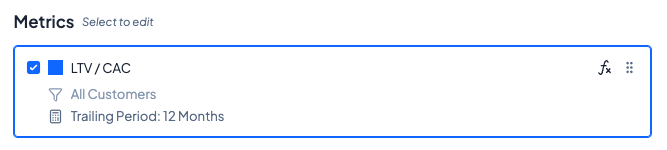
Click on the fx symbol in the top right corner to open up the formula breakdown. Grid will show how metrics are calculated, and what the values of each intermediate metric are within the calculations.
Select the dropdown arrows to expand metrics and see the intermediate values. Each metric and intermediate value has settings, formulas, and values for each aggregation period. Metrics can be further broken down for greater granularity.
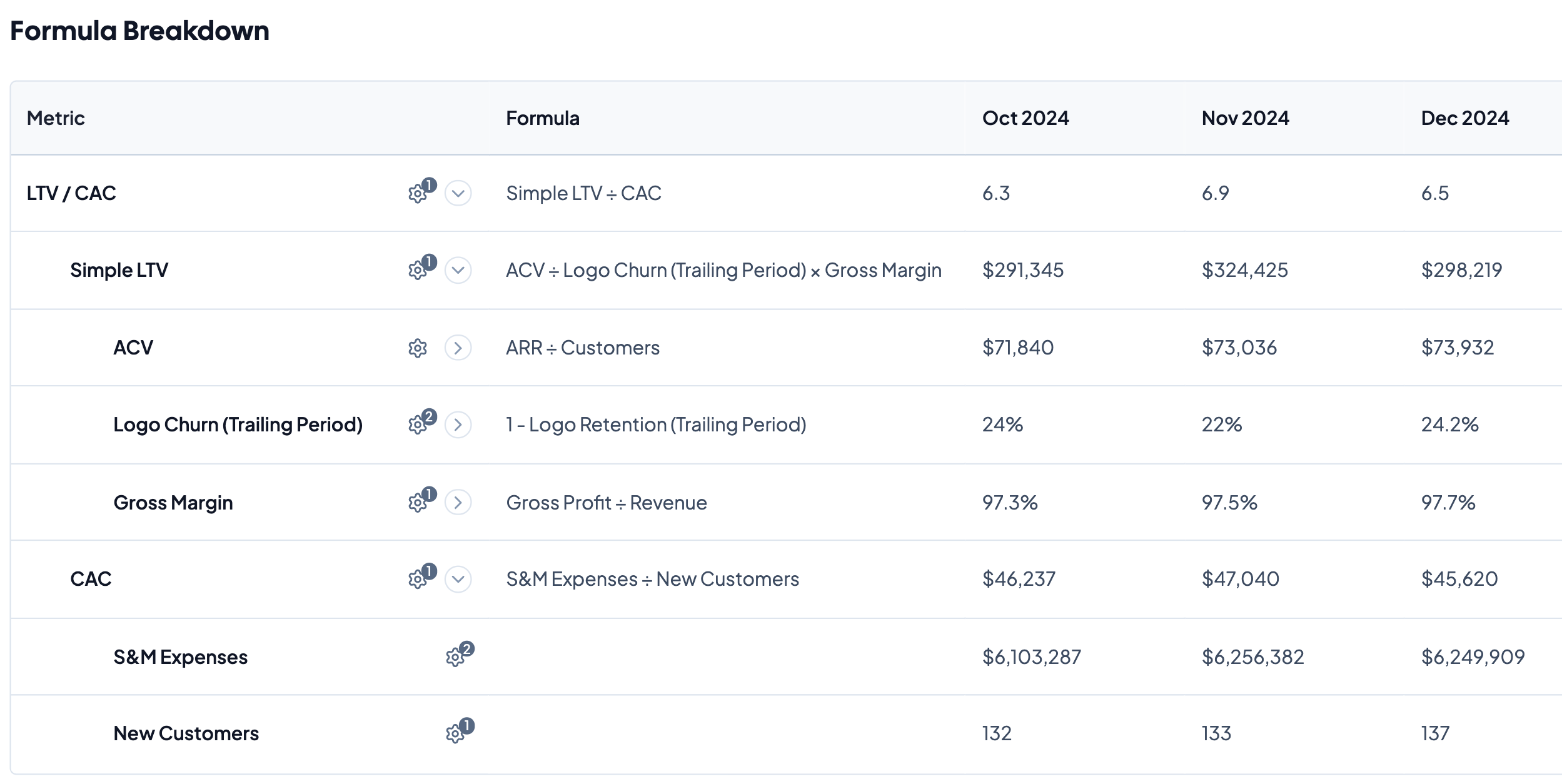
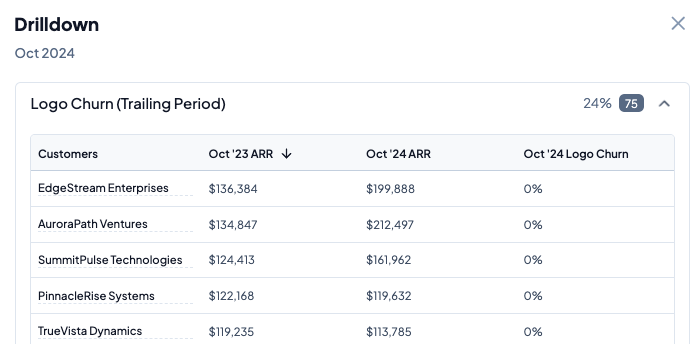
Clicking on table values will show the drilldown for that respective metric.
Formula Breakdowns