Connect Xero to Grid
Last updated: April 16, 2026
To connect your Xero Account to Grid, follow these steps.
Adding Xero as a Linked Account
Login to Grid and navigate to Organization Data at the bottom left corner of the screen.
Navigate to the Linked Accounts tab and click +Add next to the Xero tile in the Link a New Account section. You can follow this flow even if you have an existing Xero account linked and want to authorize a new account.
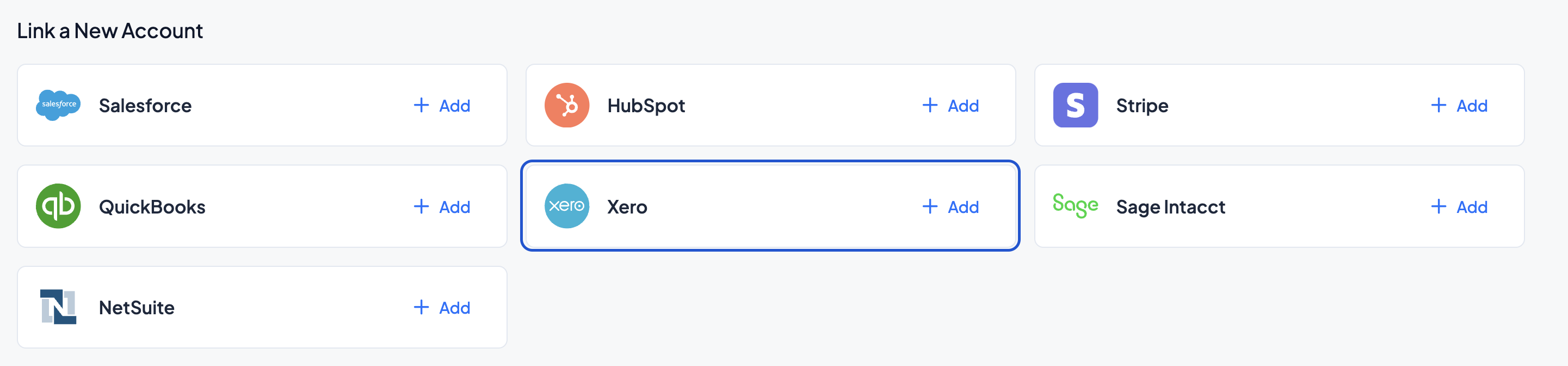
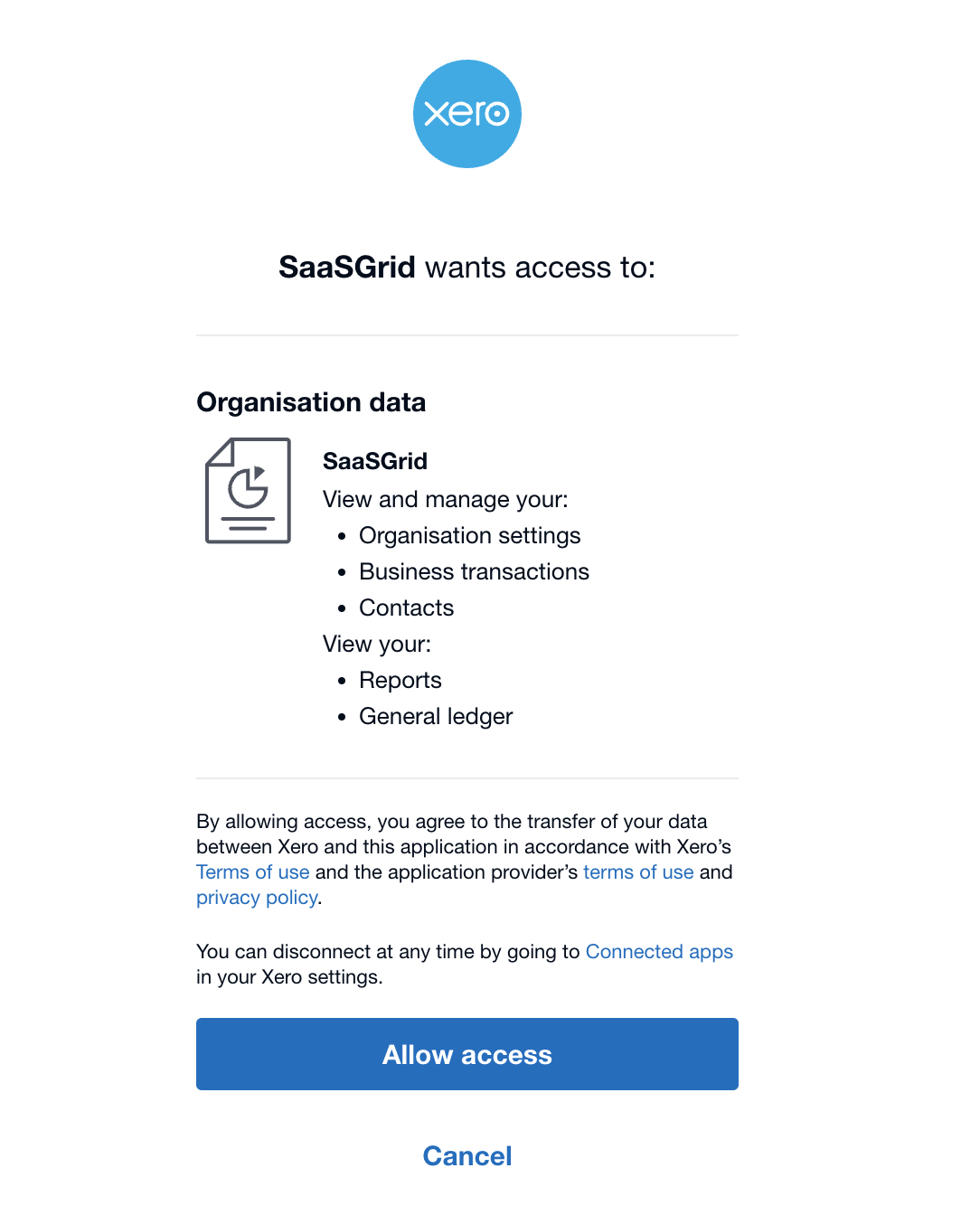
Click +Add to link a new Xero account. Log in to your account and authorize the Xero connection.
Once the account is linked, you should see the Xero account in the Linked Accounts tab on Grid.