Creating Multiple Organizations
Last updated: February 26, 2026
Most companies have one Organization as the central source of information. Grid can compile data sources together and sum values across systems.
However, for rare use cases, you may require a separate Organization. This can happen if users are working with multiple companies (ex. consulting), or using a different set of Linked Accounts for Integrations.
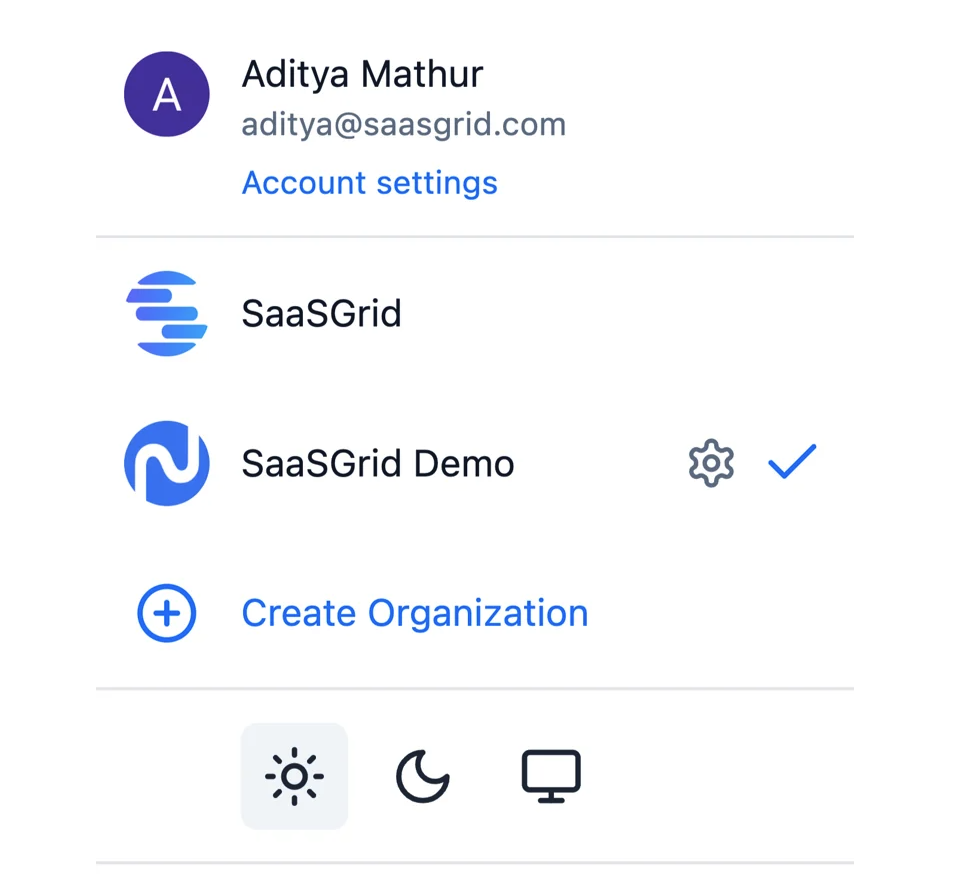
To create another Organization, click on the dropdown menu at the bottom right corner of the screen and select Create Organization.
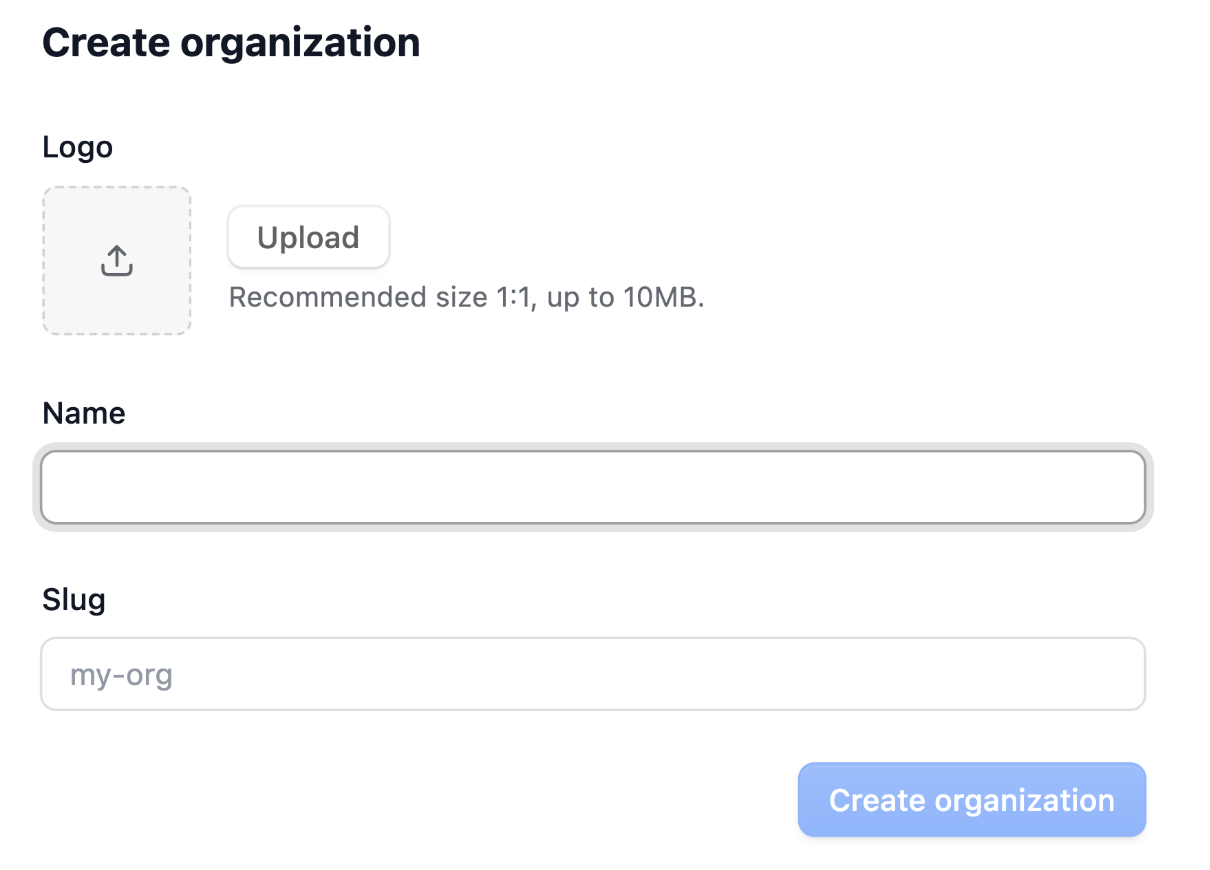
Name your organization, add a logo, and add in a slug URL to distinguish this Grid organization from your other organizations. When finished, click on Create Organization.