Using AI Analyst
Last updated: April 17, 2026
AI Analyst is a business intelligence AI assistant that can navigate, analyze, and summarize your financial data. AI Analyst can create and edit reports, explain SaaS metrics, and summarize your data.
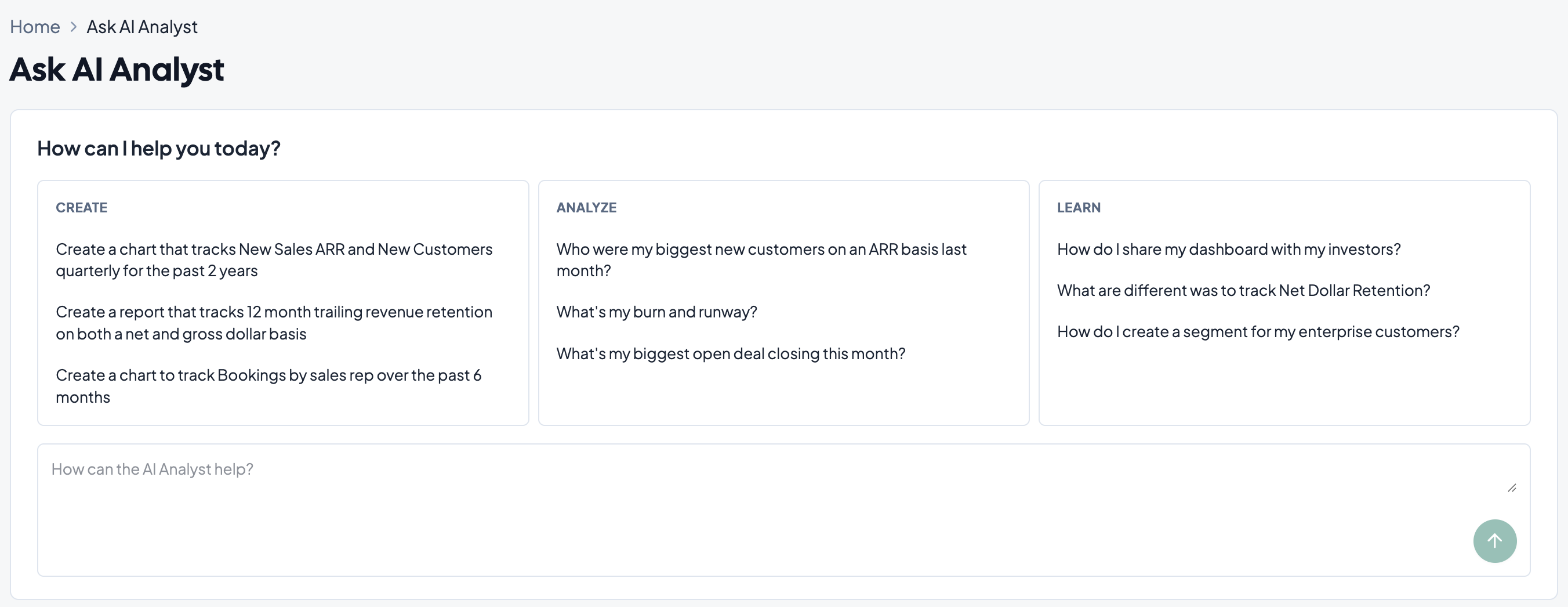
Prompting AI Analyst
AI Analyst is a versatile tool for navigating Grid. When prompting AI Analyst, keep the following in mind:
Creating and Editing Charts
Create charts with prompts and specify the
Include descriptors about the metric you want to see
"How much does it cost to acquire a customer?"
Specify date ranges and aggregations for the metric
"What's my MRR each quarter for the past 6 quarters?"
Explain any settings and segments that should be included in the metrics
"Show me contracted ARR for my Enterprise segment"
Specify the metric or chart element you want modified
"Update the CAC metric to include only marketing
"Change the ARR to a line graph"
Analyzing Data
Ask questions about metrics
"What's my CAC this quarter?"
Ask questions about customers
"Who are my biggest new customers this quarter?"
Learn Metrics
Ask questions on metrics formulas and calculation
"How does NDR get calculated?"
"Explain the formula for CAC"
Learn how to change and influence metrics
"What can I do to improve my LTV/CAC ratio?
Learn Grid
Ask questions about how to use Grid
"How can I make a customer segment?"
"Where can I add viewer users in Grid?"